






Paid channel
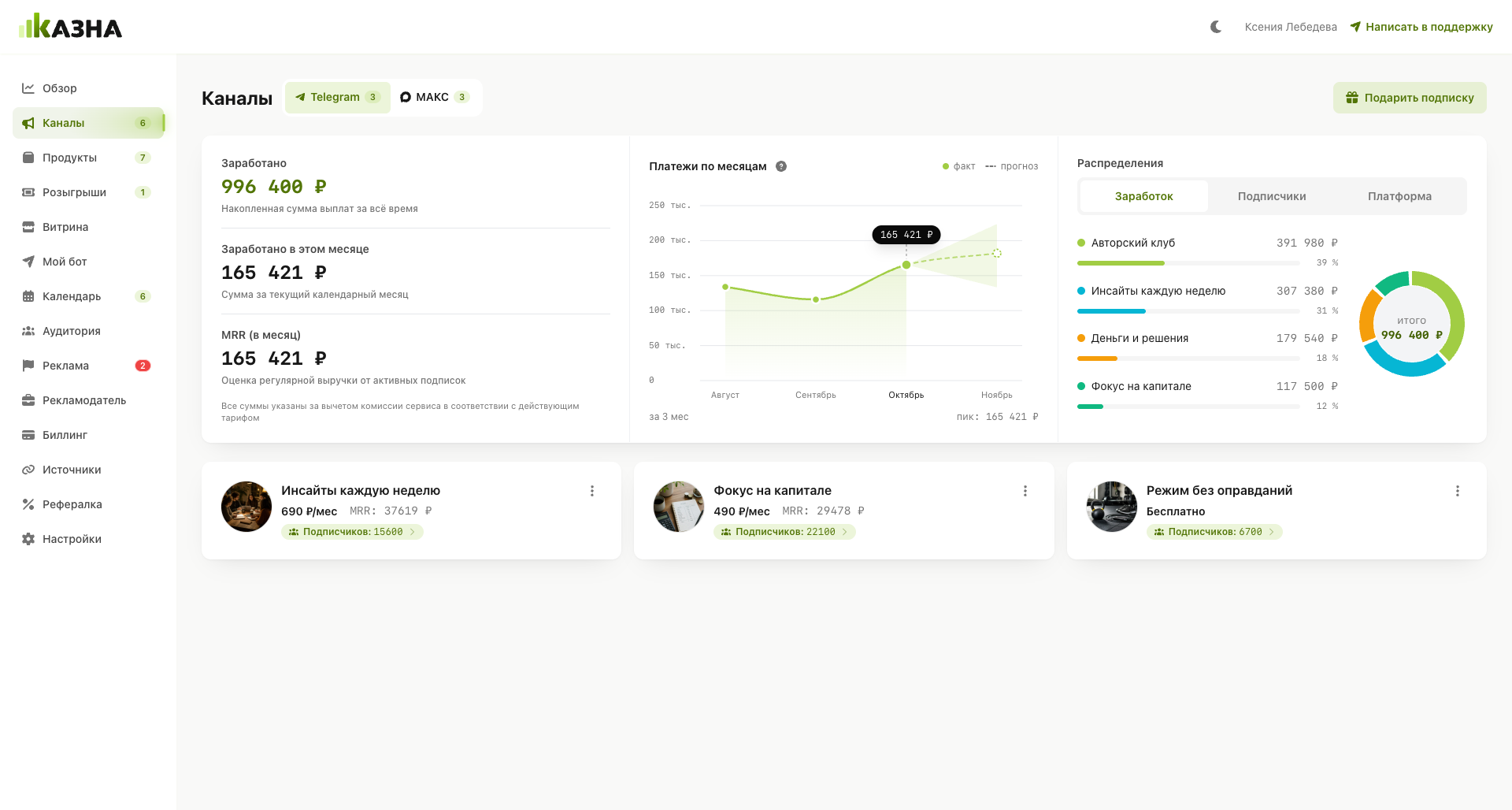
Publish exclusive content by subscription. Kazna accepts payments, renews access and tracks subscription periods.

For authors, experts, and bloggers on МАКС
Launch paid subscriptions, sell courses and digital goods, accept donations, run giveaways, and sell ads in your channels — everything in one creator ecosystem
Registration in a minute. No card needed
No jumping between tools — sales, access, and analytics in one system
Channels
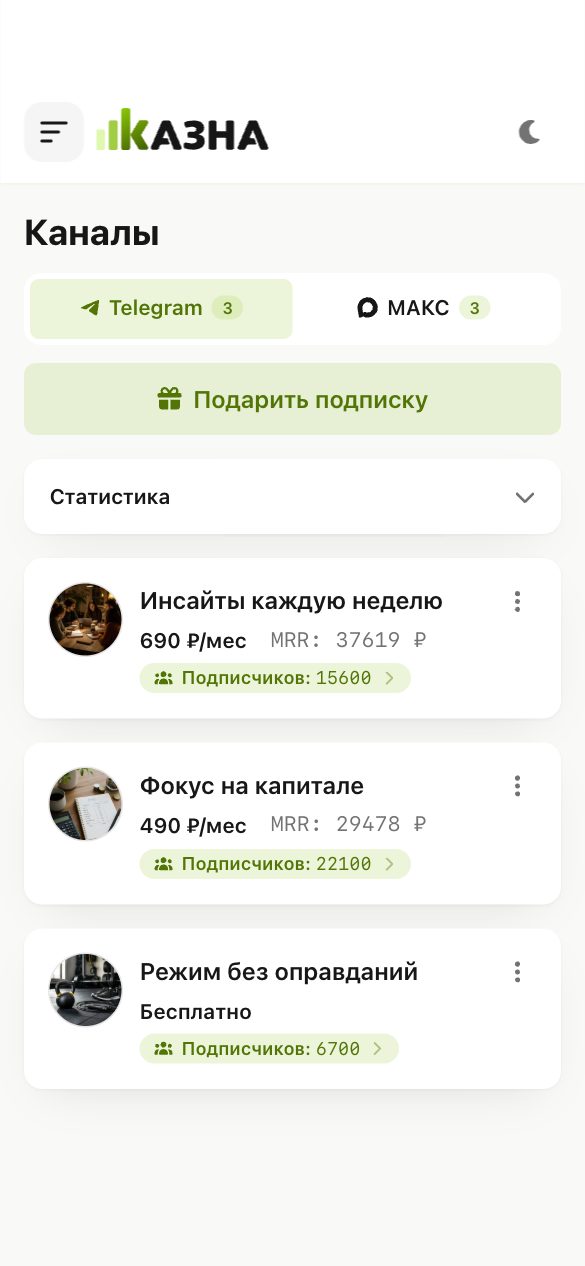
Paid subscriptions on МАКС
Automatic access after payment · Subscription auto-renewals · Channel menu with products and links · Promo codes and subscription discounts
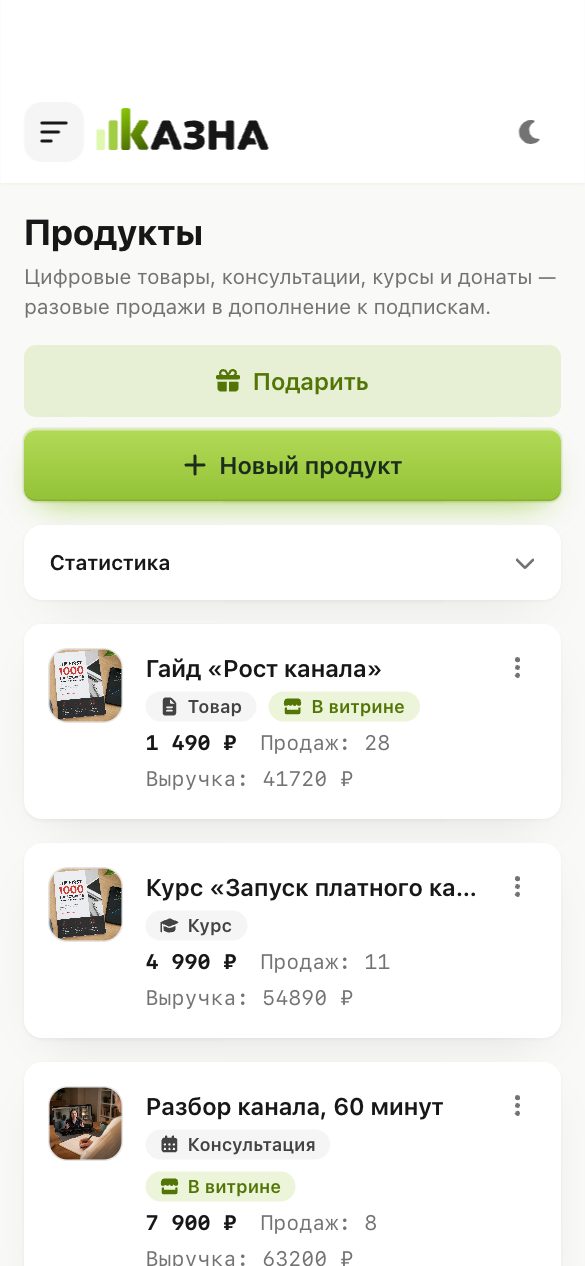
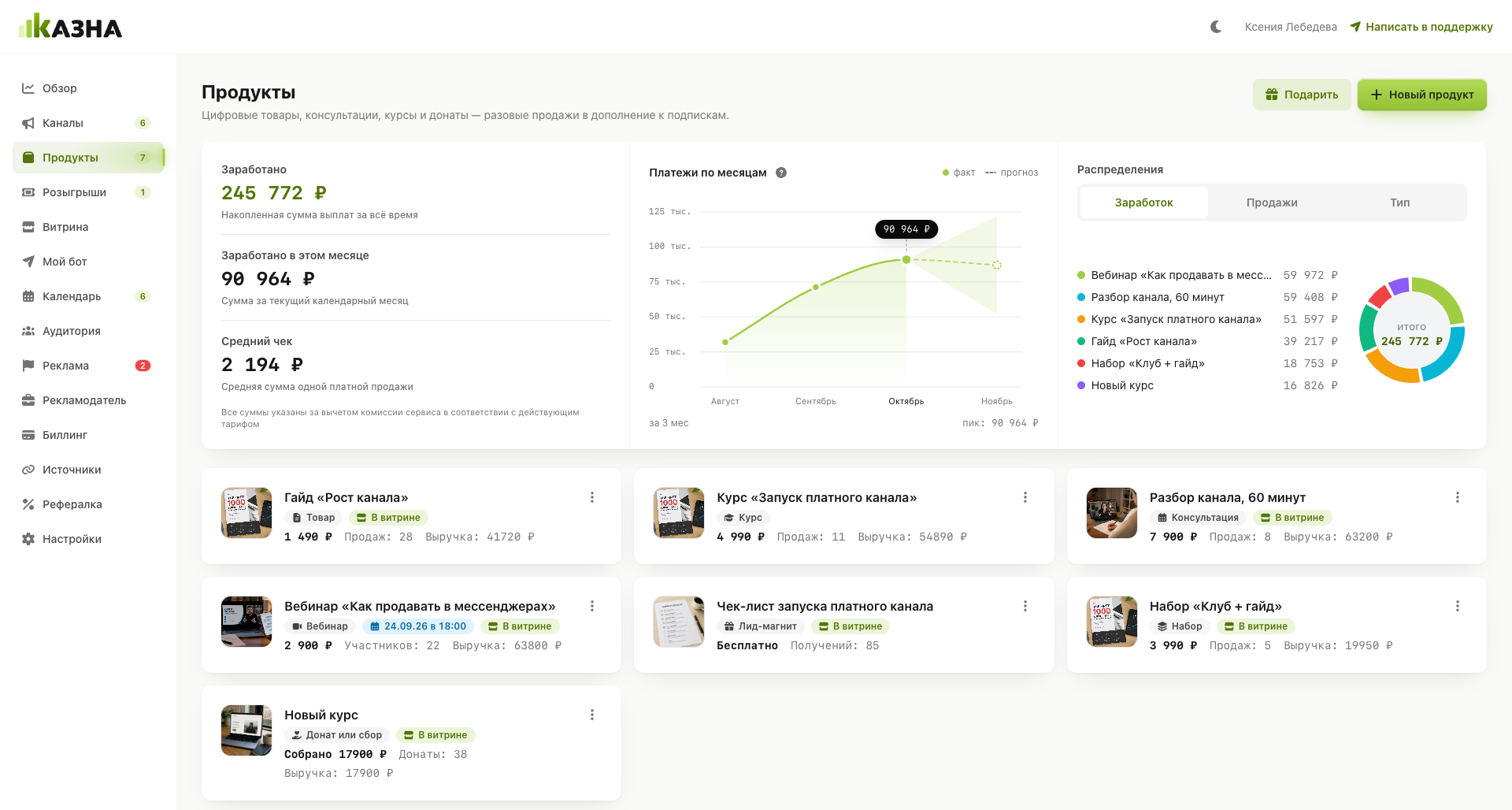
Products
Sell your digital products
Sell files, courses, and guides · Build bundles of products at your own price · Assemble courses in the builder · Give gifts via a special link
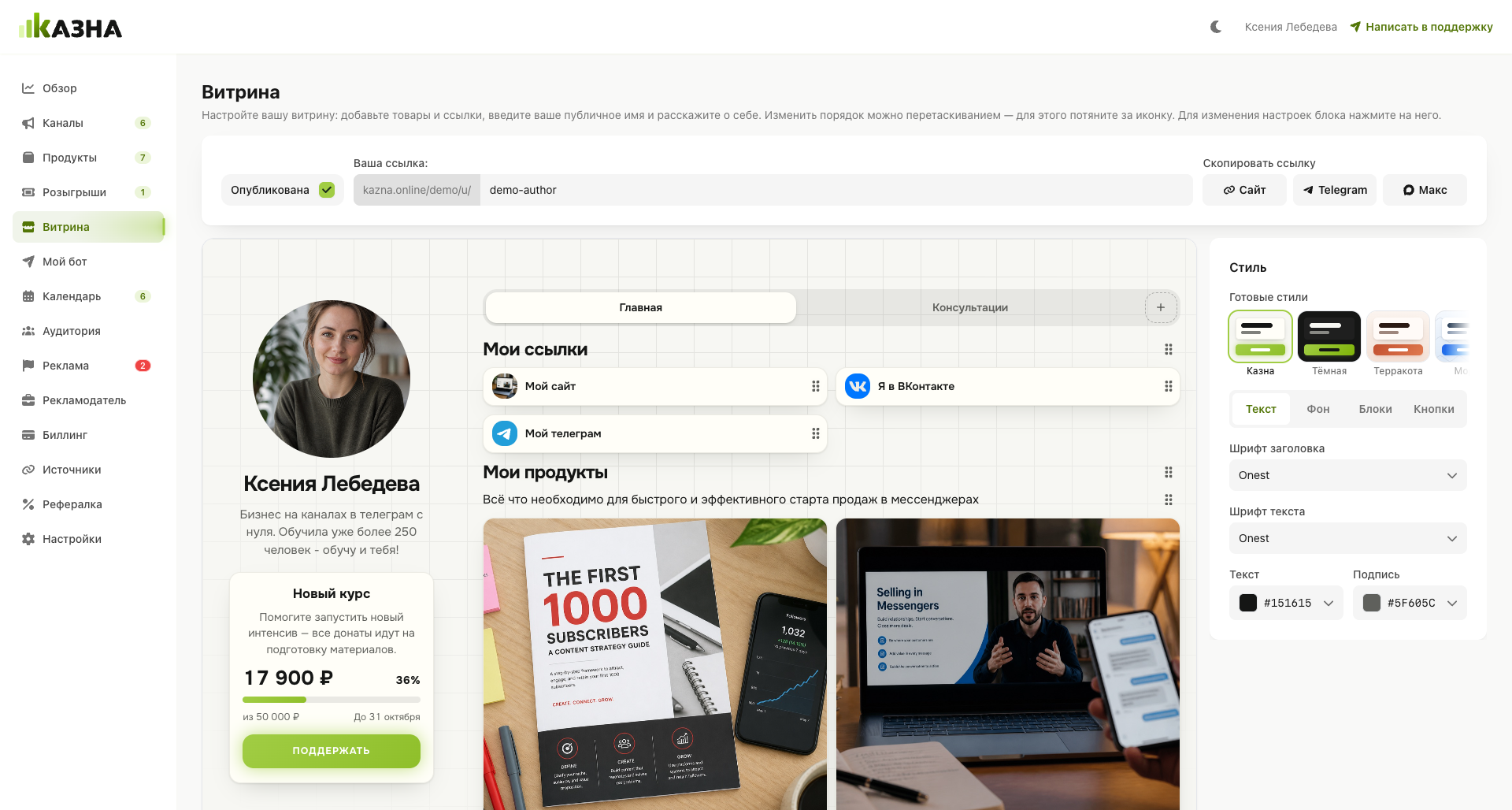
Storefront
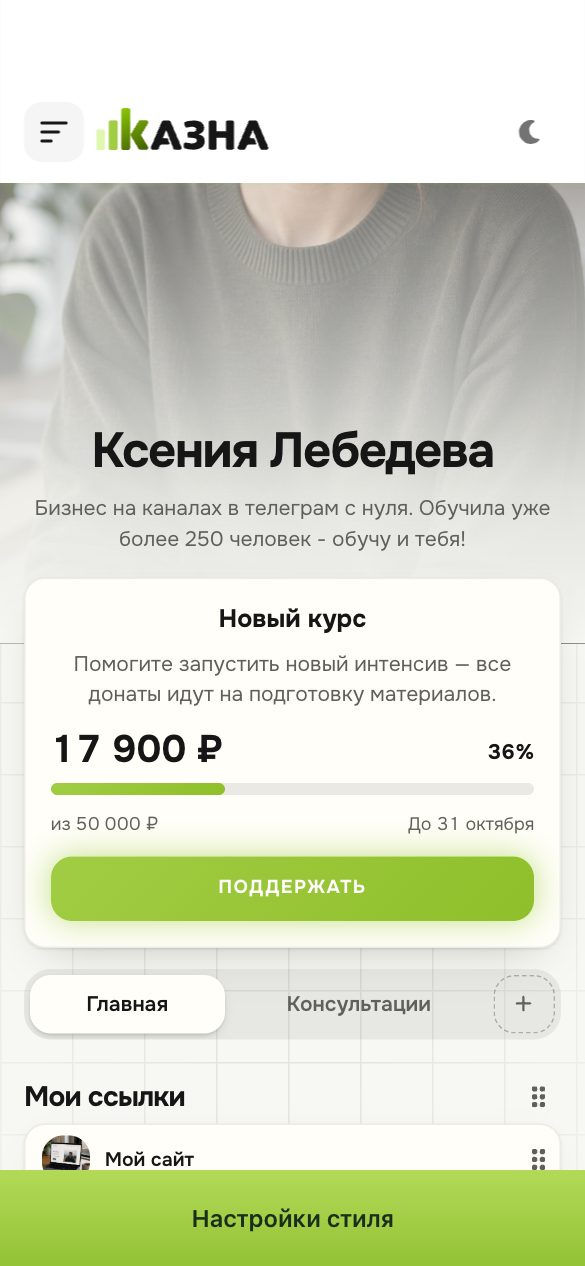
Build your sales page
Choose your address · List all your products and links · Define your own style · Accept payments instantly
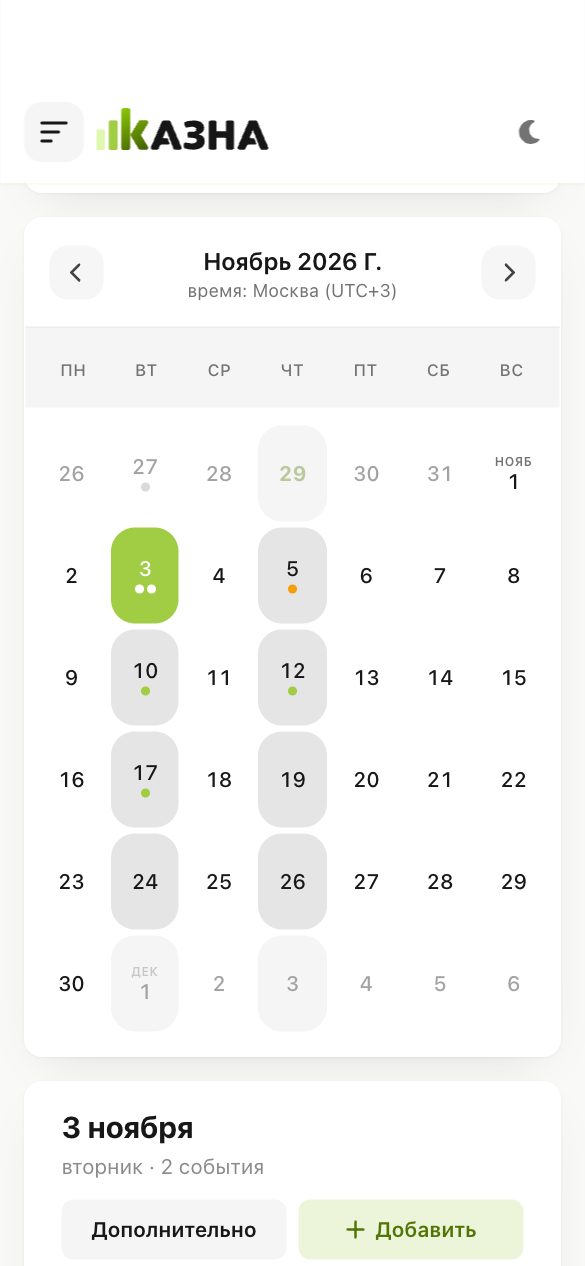
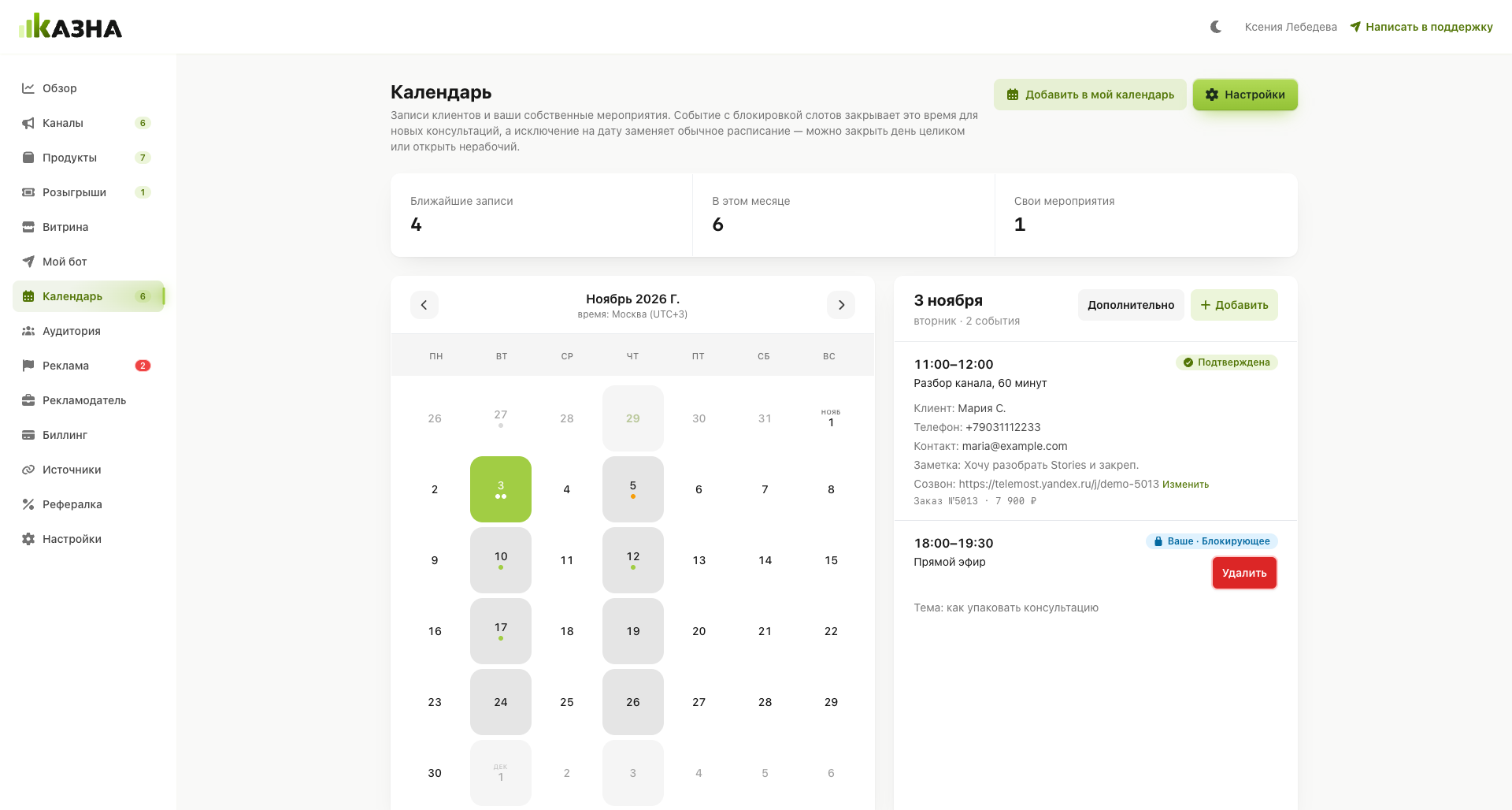
Calendar
Run consultations and webinars
Set your own working hours · Integrate with your calendar · Automatic meeting links · Reminders for you and the client
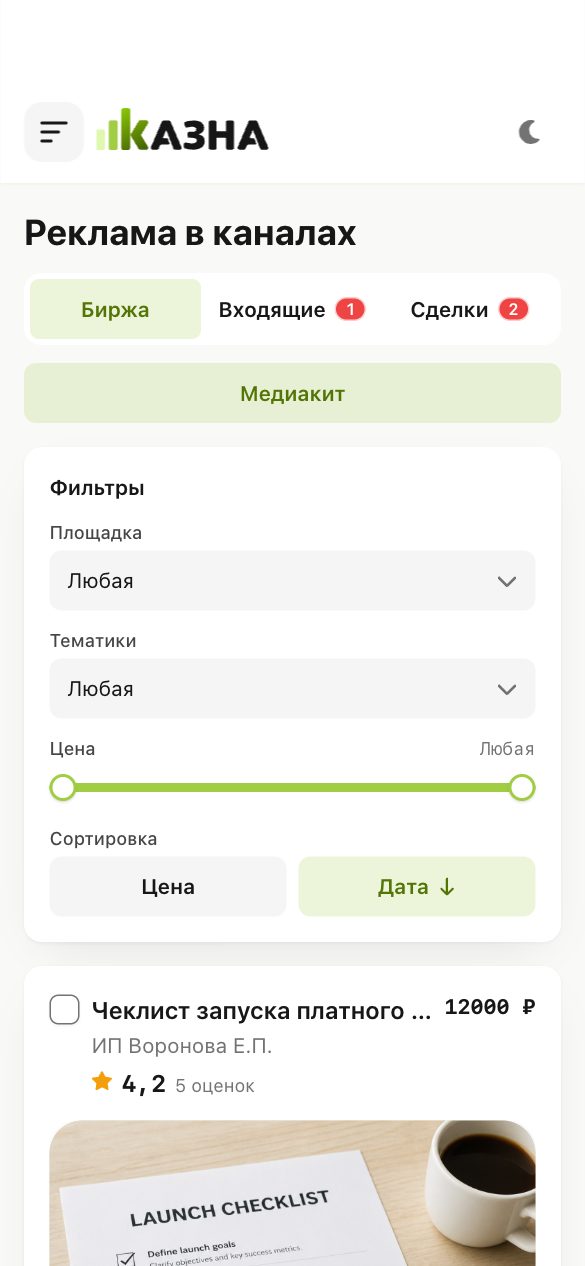
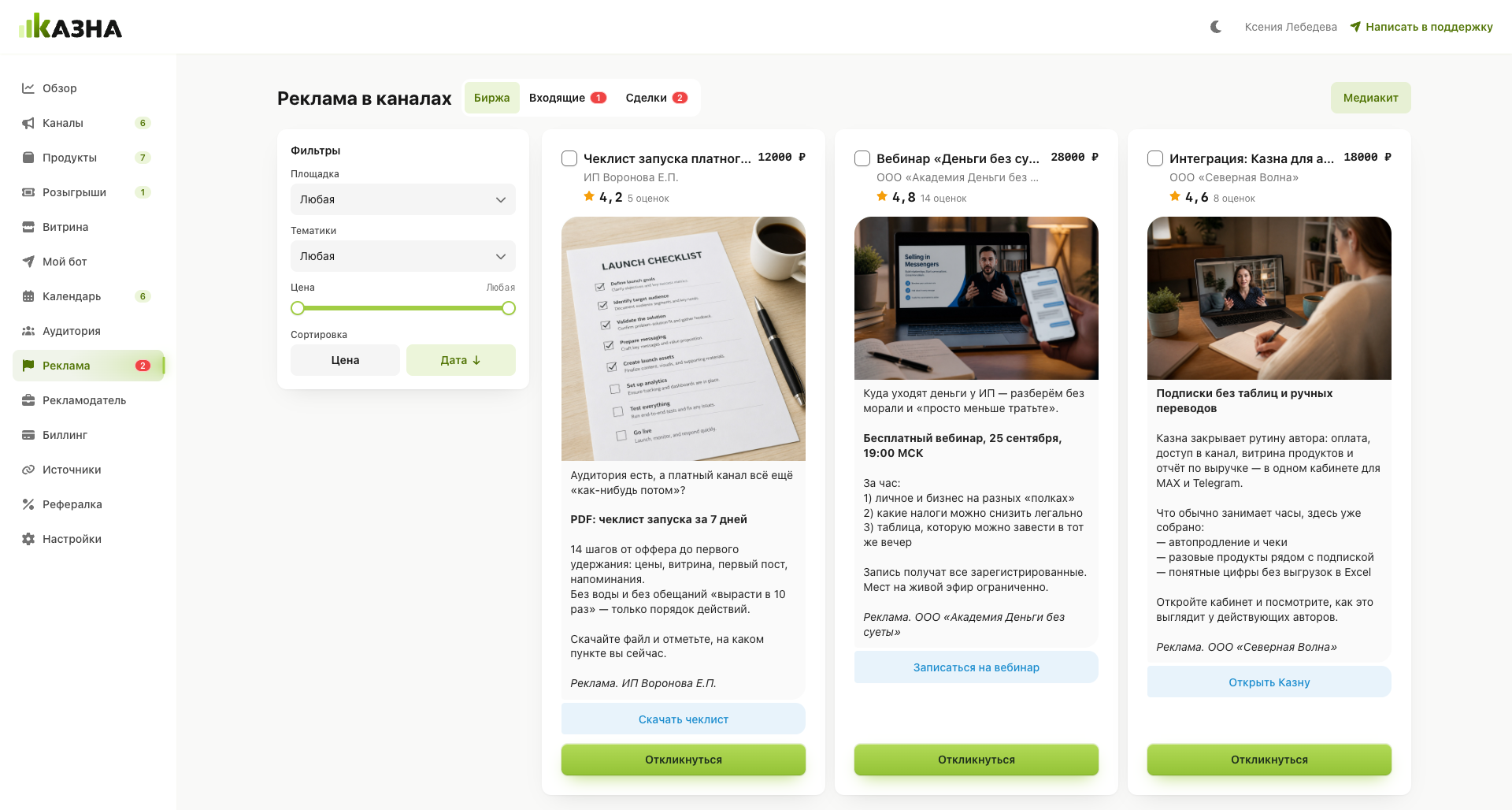
Ads
Sell placements in your channel
Set prices and formats for your channel · Receive offers from advertisers · Apply to open orders · Manage deals in one dashboard
Choose what you want to share and how much time you’re willing to spend. There’s a format for everything.
Publish exclusive content by subscription. Kazna accepts payments, renews access and tracks subscription periods.
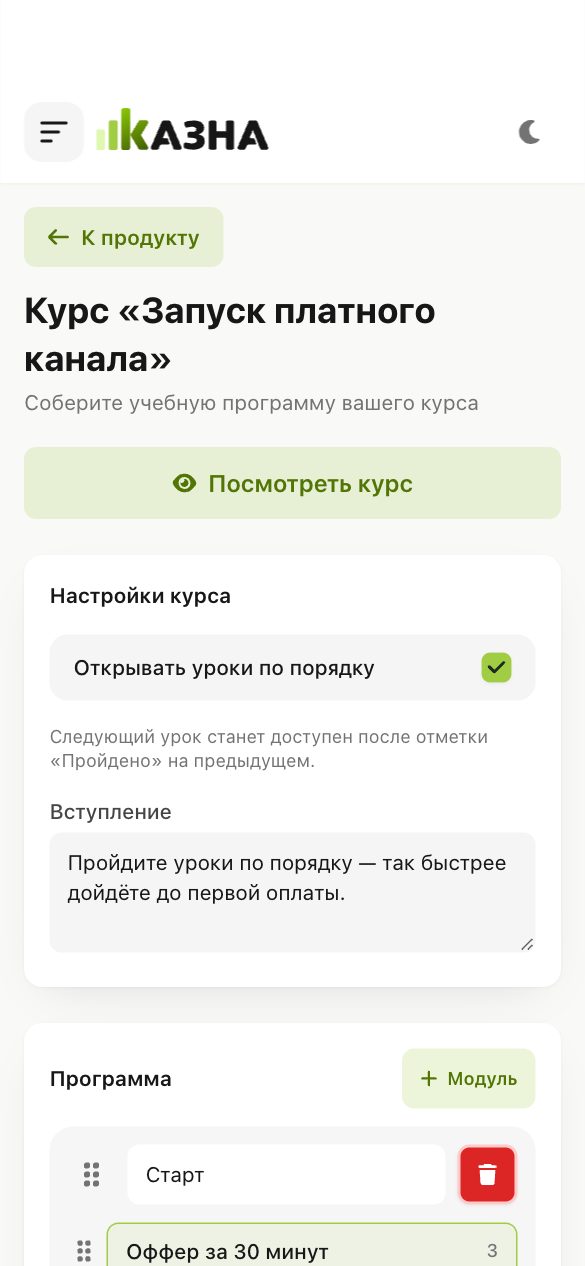
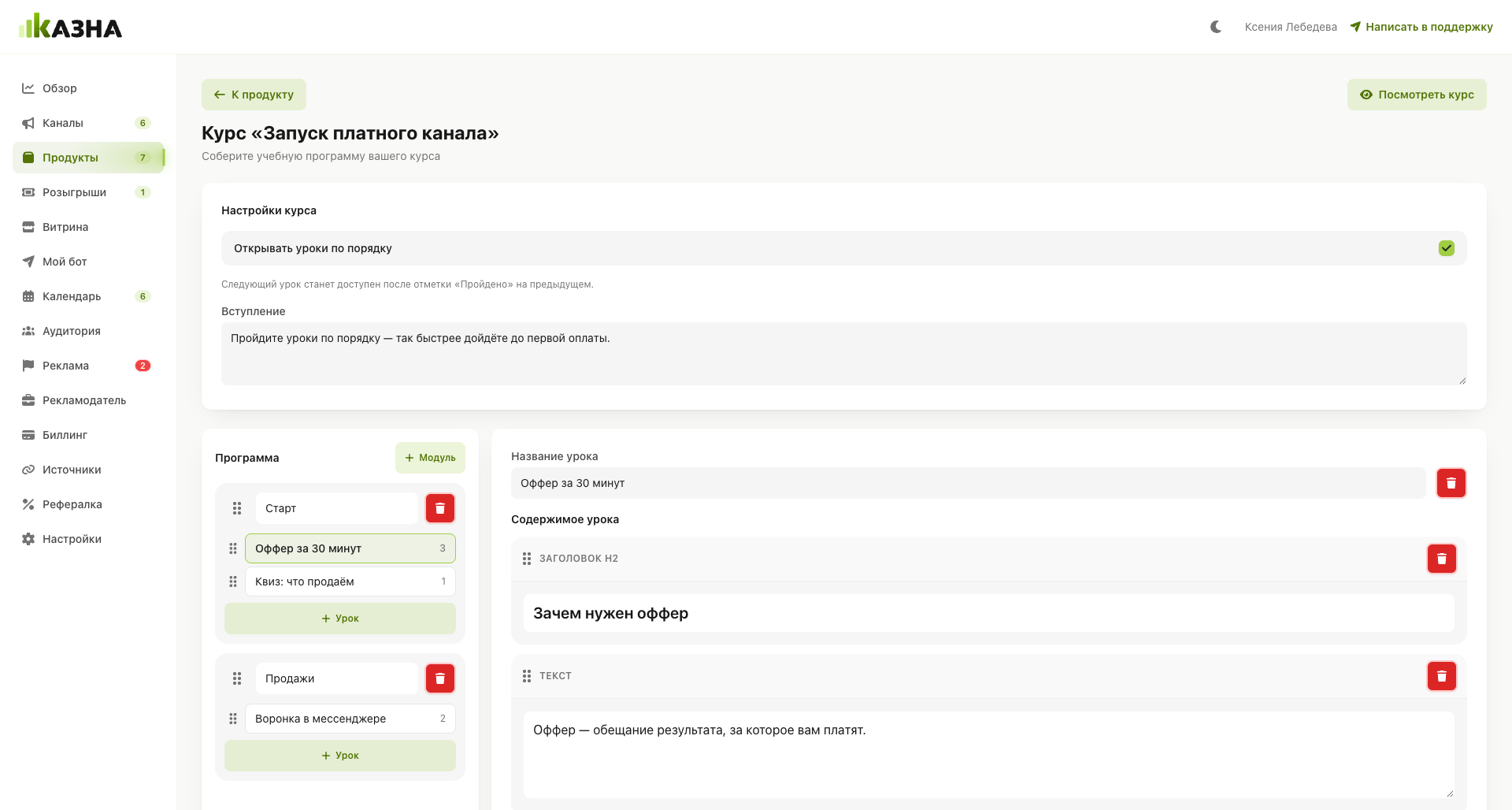
Divide your material into modules, add videos and check understanding with assignments and tests.
Accept support from your audience or raise money for a specific goal with visible progress.
Clients choose an available time and pay in advance. Kazna will create a meeting link and reserve a calendar slot.
Sell instructions, templates, spreadsheets and checklists. Buyers receive the material immediately after payment.
Run a live session or workshop. Kazna takes payments, creates the meeting link and reminds participants.
Share some of your knowledge in exchange for a subscription and build an audience interested in your content.
Bring all your products that help clients go from a problem to a solution together in one package.
Give away your product or any prize among subscribers and buyers. The bot picks the winner.
Your storefront replaces a separate website. Add products, choose a design and share the link.
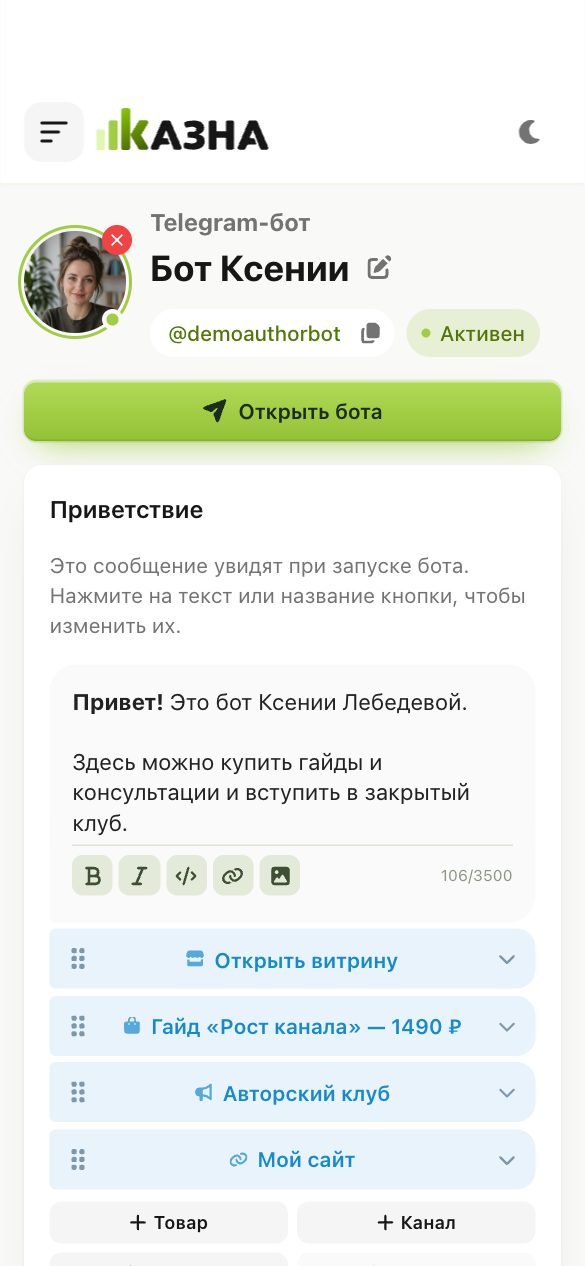
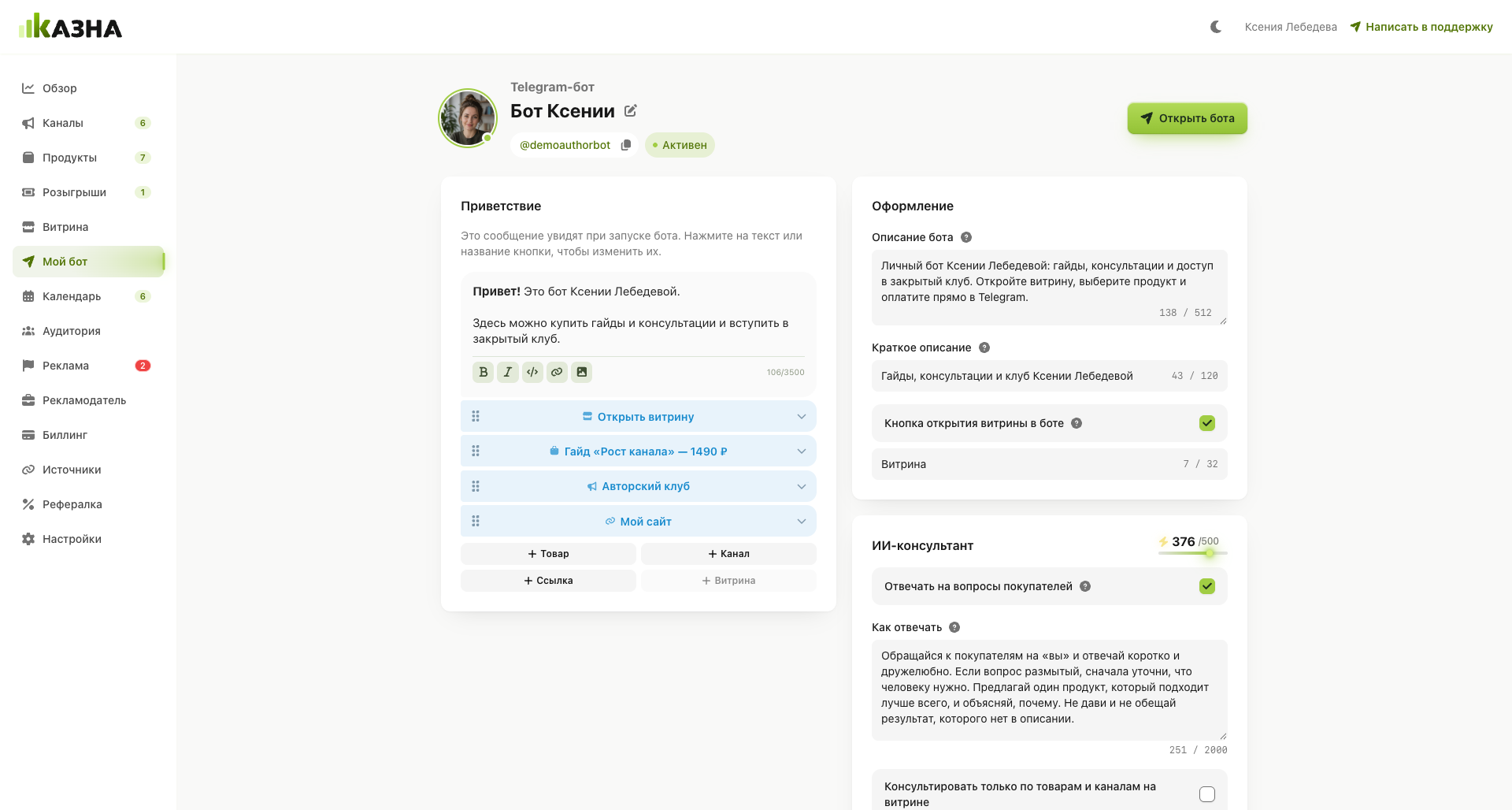
Your brand and your offerings in your own bot. Kazna helps you accept orders and payments and send notifications.
Every product has its own link. Share a specific offering and take customers straight to the purchase
Your time is for knowledge, ideas and connecting with clients. You don’t need to be online for every purchase. You can leave file delivery, access, subscription management and meeting reminders to Kazna.
Sleep
05:00–07:00
Morning routine
07:30–08:30
Work
09:00–12:00
Lunch
12:00–13:00
Consultation
14:00–15:00
Work
15:00–18:00
Home, dinner, a show
18:30–22:30
Sleep
23:00–07:00
Without Kazna
With Kazna
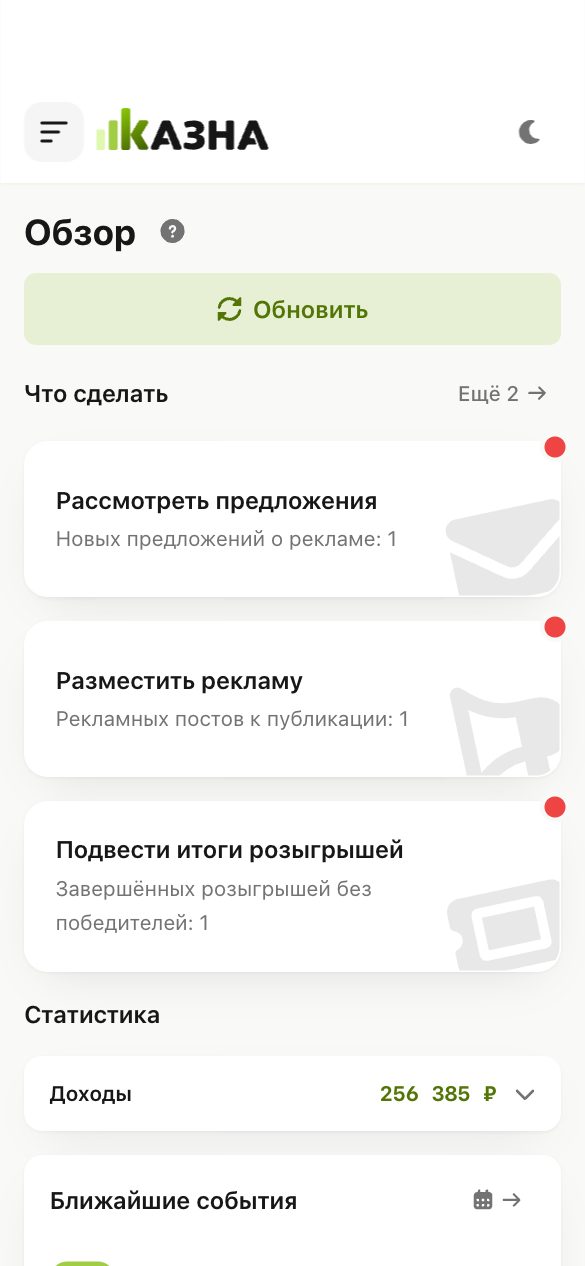
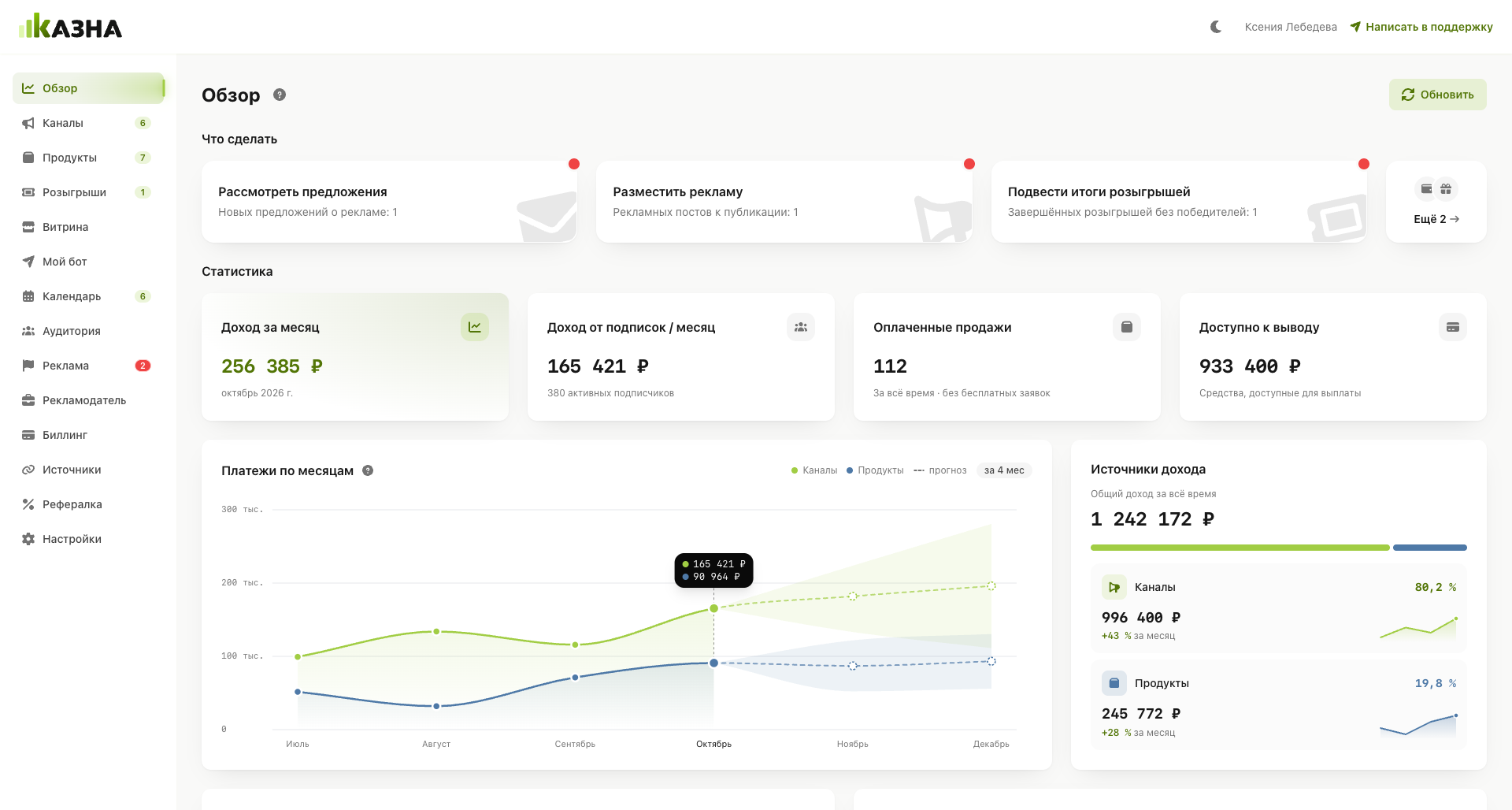
Products, customers, payments and upcoming meetings are brought together so you can see what’s happening.
Overview01 / 10
Channels & analytics02 / 10
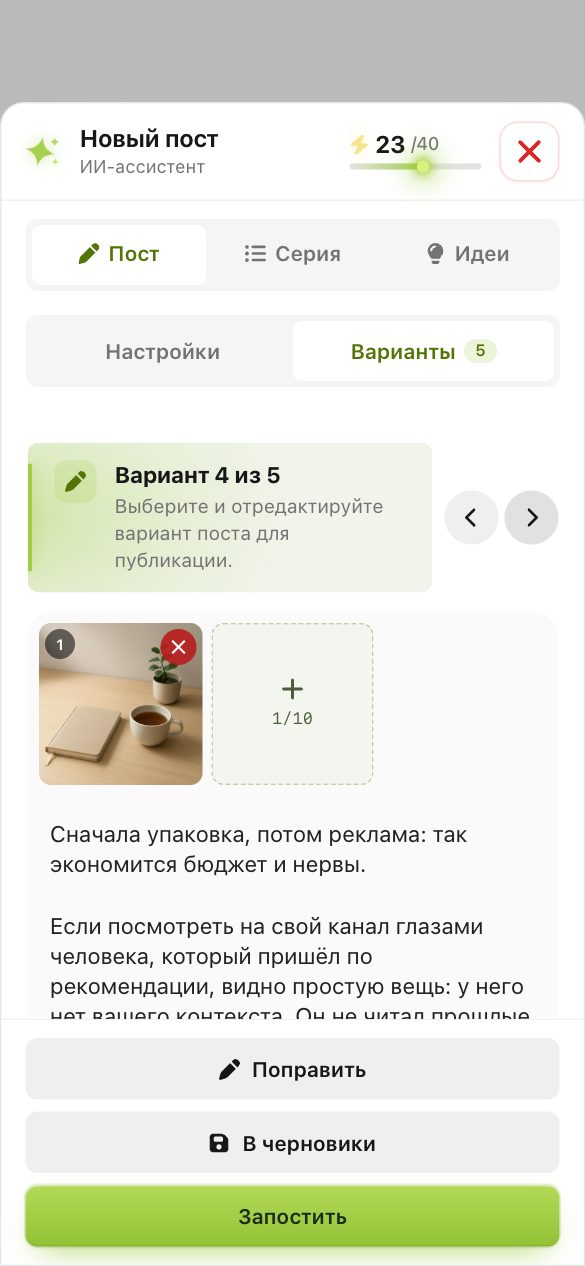
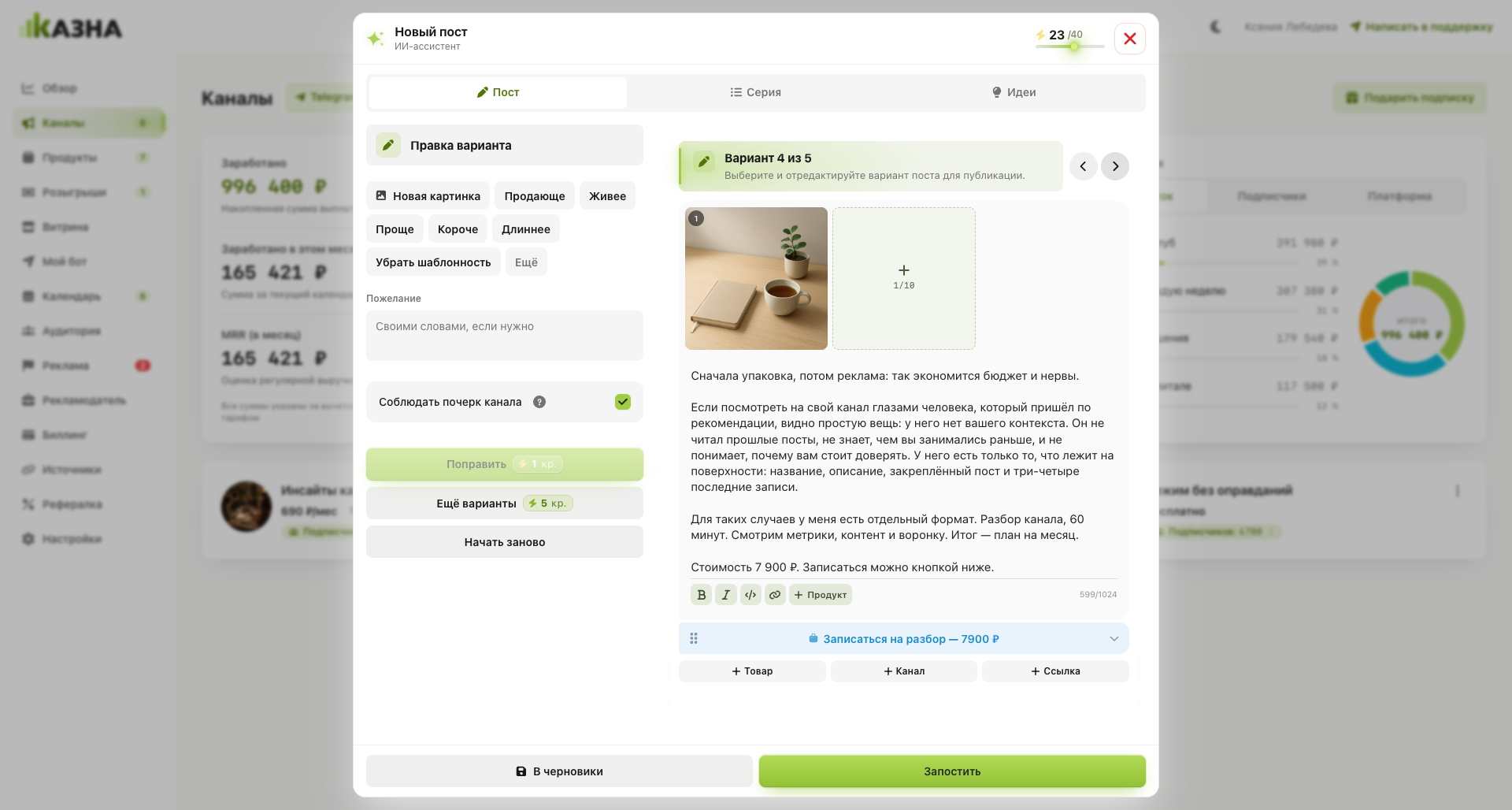
AI assistant03 / 10
Products04 / 10
Course builder05 / 10
Storefront06 / 10
My bot07 / 10
Calendar08 / 10
Channel ads09 / 10
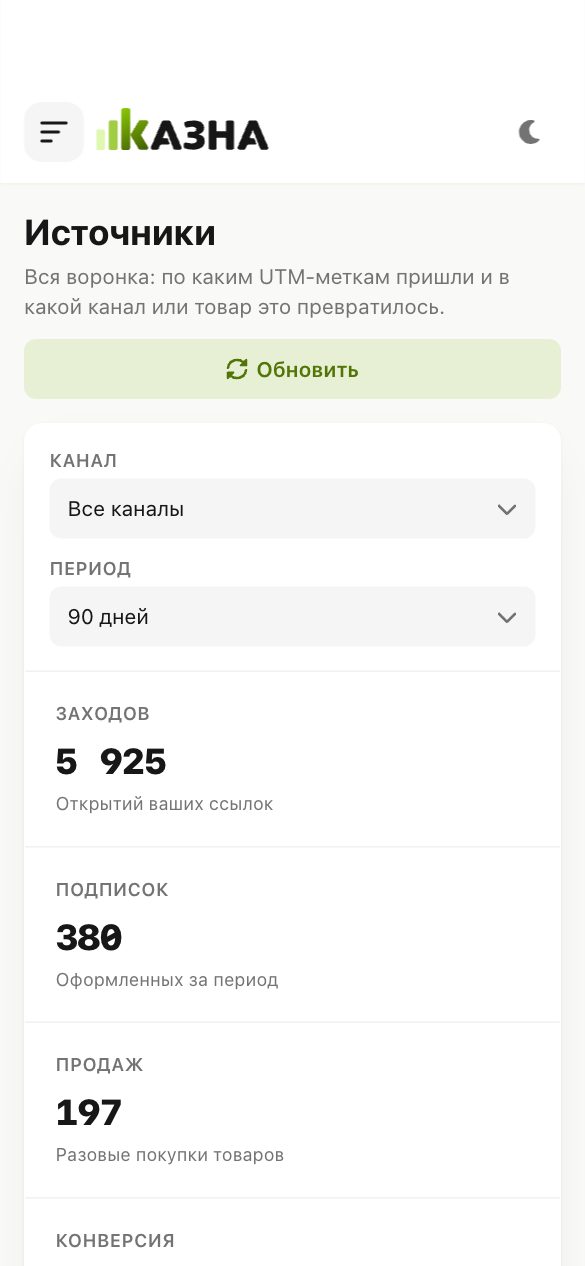
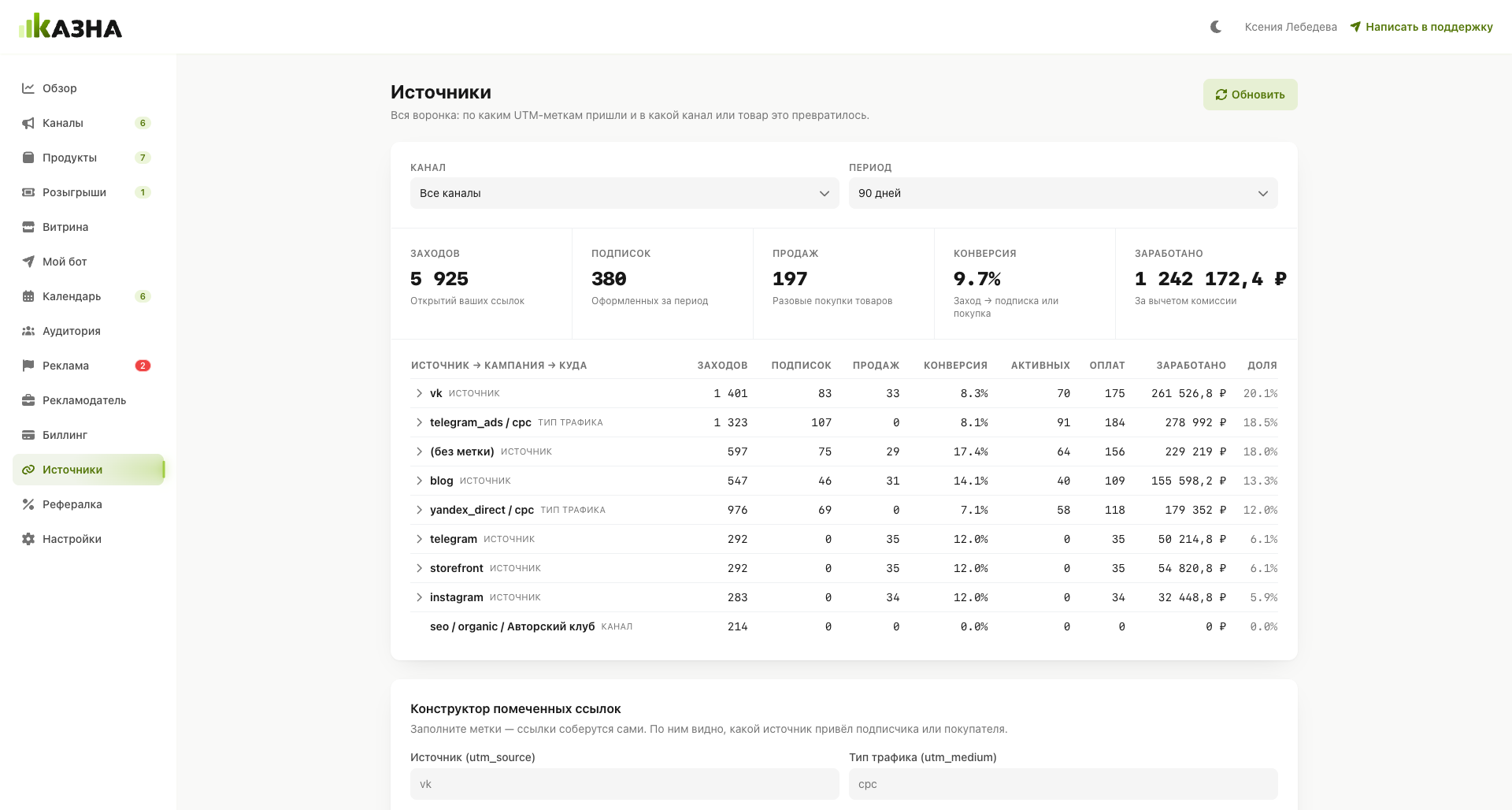
Sources10 / 10
Storefront, channels, products, ads, payments, and analytics
Make the channel private, connect it in the Kazna dashboard and set a price: monthly with auto-renewal, lifetime or both. After payment the subscriber gets access, and when the subscription is not renewed, access closes.
Open the channel settings and choose «Private» under «Channel type». The public handle disappears, and people can join only by link. For a paid channel Kazna grants access after payment.
Built-in ads through the Yandex Advertising Network are available to public channels with at least 1,000 subscribers. A paid subscription, donations and selling your own products through Kazna work for a channel of any size.
Add the post to the channel queue in the dashboard: text, image, buttons and publishing time. The queue works for both MAX and Telegram, and the AI assistant can write a draft.
Turn on cross-posting in the channel settings: posts are repeated from Telegram to MAX, from MAX to Telegram or both ways. You do not need to publish in each channel separately.
Build the channel menu in the dashboard: text and buttons leading to products, channels and links. Kazna publishes it as one message and updates it when you change the menu.
Yes. The storefront opens inside MAX: the client picks a consultation time or a guide, pays by card and immediately gets the booking or the file.
6% only on sales, no subscription fee. You request a payout in the dashboard to the details of a self-employed person, a sole proprietor or a company once the balance reaches 5,000 ₽.
In Sources you create a UTM link for every placement and see visits, subscriptions, purchases and revenue per campaign.
Yes. MAX and Telegram channels are in one exchange catalog: set prices for formats and accept offers. Advertisers pay you directly, and Kazna takes no cut of the deal.
Start from scratch
Add channels and products, build a storefront — Kazna handles payments, access, and receipts. You focus on the product; the service handles the money
Registration is free. No card needed
KAZNA
Start from scratch
kazna.online