
Storefront
All your links on one page
A storefront is a link-in-bio page. Put it in your profile, and followers will find your channel, socials and booking in one place. It is free.


See how it looks for others
Review bookings and guides next to the channel link
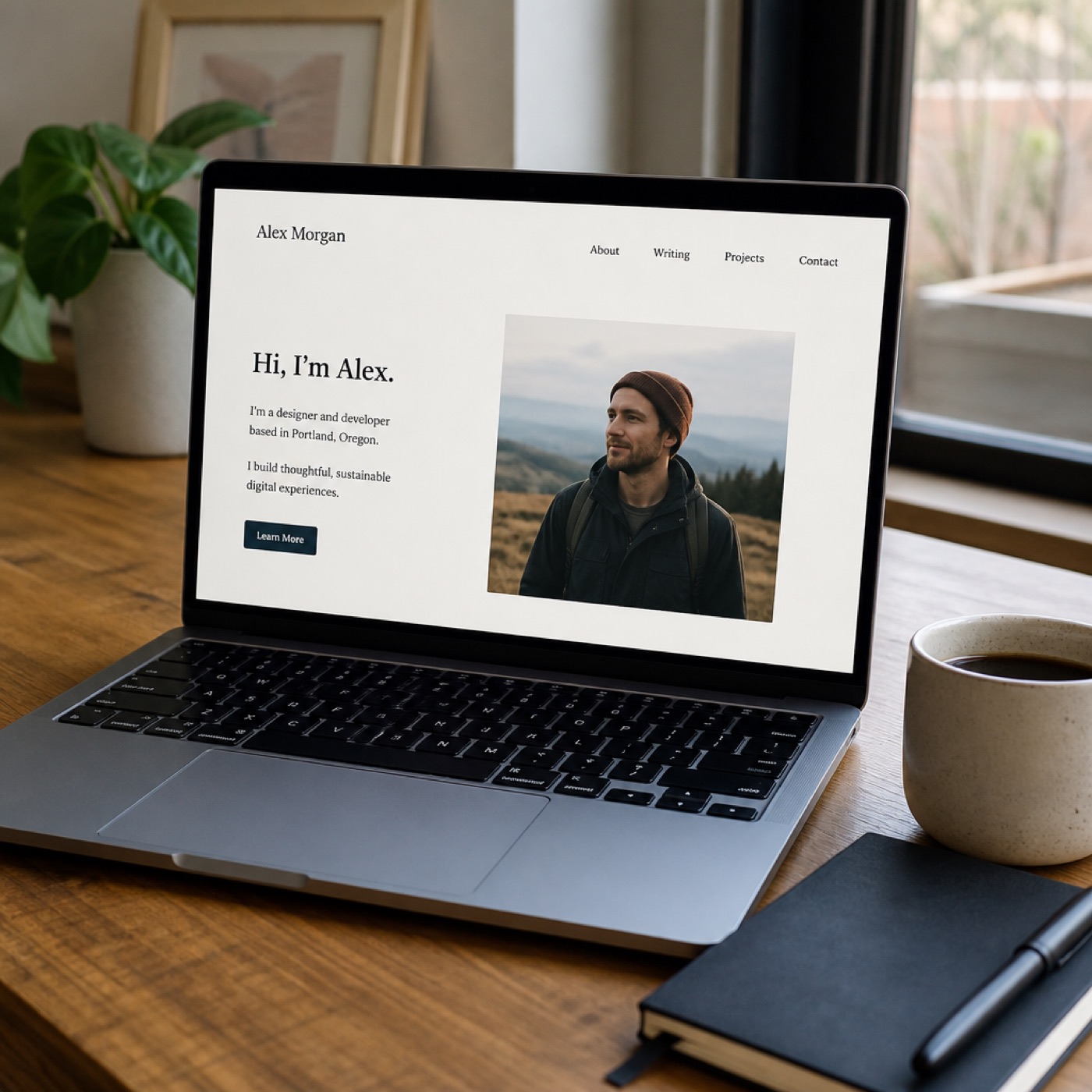
Kseniya runs a channel about Telegram. Her storefront has a one-hour review, a webinar and two guides, one of them free. People pick what fits and pay right on the page.
- Psychologists
- Tutors
- Coaches
- Nutritionists
- Lawyers







Why one link in your bio is not enough
A social profile leaves room for one link and a couple of lines. That is not enough for followers to see where to read you and what they can buy.
Links
Every platform behind one link
Your profile description fits one link. A storefront holds your channels, website, articles, playlists and anything else you want followers to see.
About you
Room to tell your story
A Telegram channel description fits 255 characters. A storefront has room for a photo, headings and text about what you do.
Channels
Subscribe to your channel in one tap
A Telegram or MAX channel card shows the avatar, description and a Subscribe button, so viewers from YouTube or VK find your channel.
Stats
See where people came from
Give each placement its own tagged link. The report shows how many visits came from a channel, a post or a QR code.
Fundraising
Followers can support you
Put a fundraiser with an amount and deadline under your profile. The bar grows with every donation, so followers see how much is left.
Sales
Sell with no subscription fee
Bookable consultations, guides, courses and a paid channel go on the same page. Buyers pay right on the storefront.
An address that is easy to say out loud
The link holds only your name or project name, like kazna.online/kseniya. You can say it on a stream or print it on a business card.
kazna.online/kseniya
Where people usually put the link
 Telegram channel description
 MAX profile
 VK page
- Video description
- Newsletter signature
- Conference slide
- Business cards and handouts
A page in your style
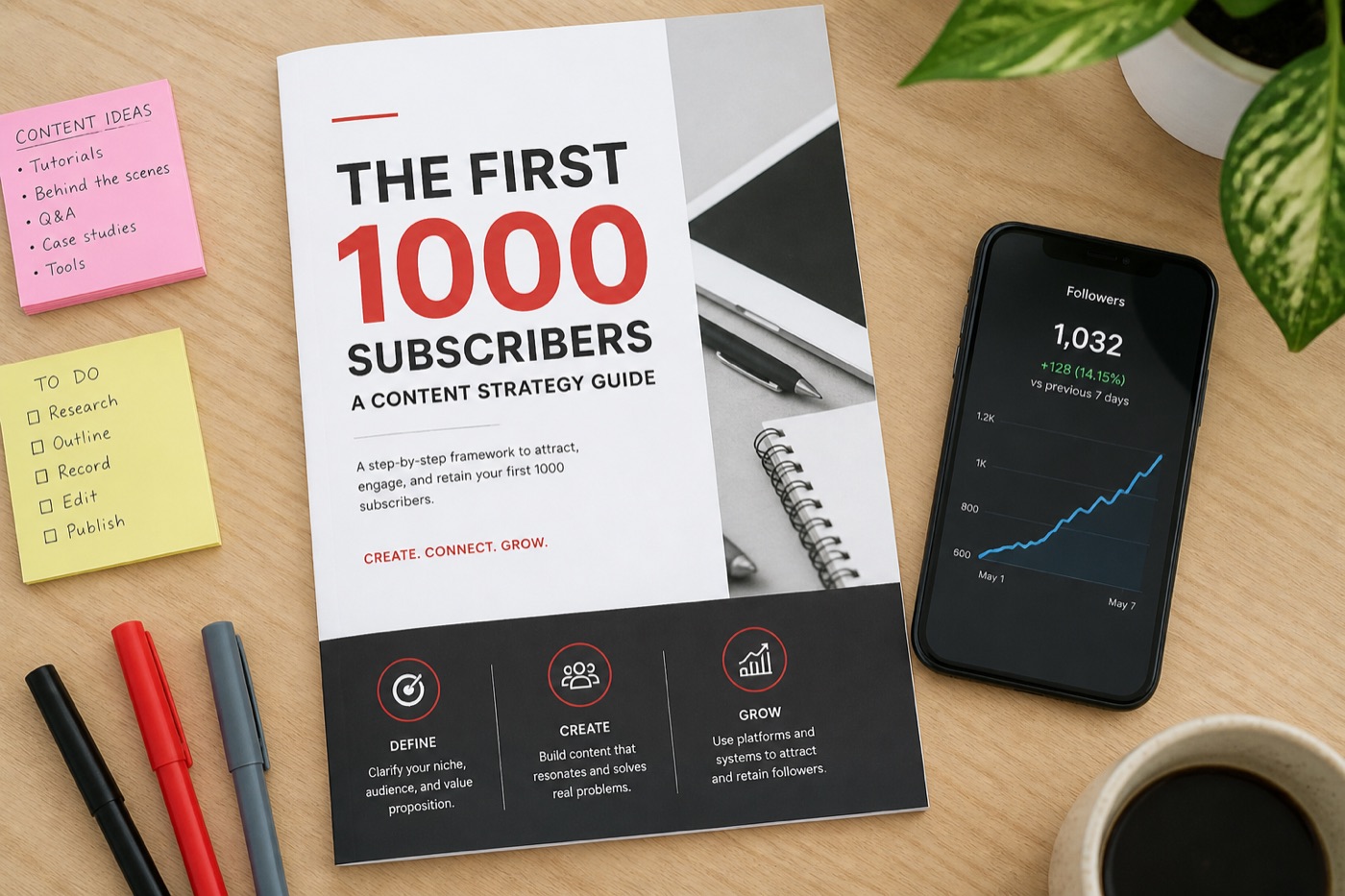
Fonts and colors, corner radius and sizes, block formats and their order, headings and captions: it is all in your hands. Every detail on the page is yours, so it sticks in memory better than any template.
What you can end up with








Your link can be in your bio today
Sign up, add your links and paste the address into your profile. Here is how long each step takes.
- 0 minSign upCreate your dashboard for free.
- 2 minProfileUpload a photo and write a couple of lines about yourself.
- 5 minLinksAdd your channels, website and anywhere you want to send followers.
- 8 minDesignPick fonts, colors and a background.
- 10 minAddress in bioCopy the link and paste it into your profile description.
Find out where people come from
Make a tagged link for each platform, and the report will show how many people came from a channel description, a post or a QR code at a talk. If you sell through the storefront, orders show up there too.
Tagged links are built in the dashboard, no need to type parameters by hand.
Sources
Last 30 days
| Source | Visits | Orders |
|---|---|---|
| Channel descriptionutm_source=telegram | 1 840 | 62 |
| VK postutm_source=vk | 920 | 27 |
| Video descriptionutm_source=youtube | 610 | 18 |
| QR code at a talkutm_source=qr | 240 | 11 |
| Total | 3 610 | 118 |
Want to sell? It is all here already
Consultation booking, payment, files, courses, a paid channel and donations work on the same page. No extra services to connect, no subscription fee.
Online booking serviceConsultations with open slots in your calendarPayment formCheckout right on the storefrontCloud file storageGuides and PDFs unlock after paymentCourse platformCourses with modules in the same dashboardBot for a private channelChannel subscription with auto-renewalDonation serviceA fundraiser under your profile
Total
1 link
What people usually ask
Can't find an answer? The demo dashboard shows everything without signing up.
What is a storefront?
It is a link-in-bio page: a page with a short address that collects links to your channels, website and other platforms. You put it in your profile instead of a single link.
How much does it cost?
The storefront and dashboard are free, with no subscription fee and no plans. If you start selling, the terms are listed in the receipt at the bottom of the page.
What links can I add?
Any: a Telegram channel, MAX, VK, YouTube, a website, articles, playlists, a portfolio. Each link can have its own thumbnail.
Where should I put the storefront link?
In your channel or profile description, under YouTube videos, in a newsletter signature, on a business card or a conference slide. If you have connected your own Telegram bot, the storefront opens there too.
Do I need my own website or domain?
No. The storefront opens on kazna.online, and we handle hosting and the secure connection.
Can I sell through the storefront?
Yes. Consultations, guides, courses, webinars and a channel subscription can go on the same page, and payment happens there too.
Can I change the design later?
Yes, at any time. Fonts, colors, background and block order are changed in the editor.
Can I hide my storefront for a while?
Yes, there is a publish switch in the settings. While it is off, the page is unavailable and your blocks are kept.
How is the storefront different from Taplink and Linktree?
It is a similar tool, but with no subscription fee and no plans. Besides links, you can add Telegram and MAX channel cards, fundraisers, and sales of consultations, guides and a paid channel, and the stats show where people came from.
How do I add a link in my Telegram, VK or YouTube profile?
Create a storefront, pick a short address like kazna.online/name and paste it into the website field or the description. It works in any social network that lets you add a link.
How can I see how many people clicked my links?
A tagged link is created for each place you share it, including a QR code. The report shows how many visits came from a channel, a post or a business card.
Can I collect donations on the storefront?
Yes. A fundraiser with a goal amount and a deadline sits under your profile, the bar grows with every donation, and followers can see how much is left.
Can I make a personal website on the storefront?
Yes. The page has room for a photo, headings and text about you, a portfolio, services with prices and booking for consultations. You need no developer and no domain of your own.
Storefront
Time to build your storefront
One link for every occasion. Free.
KAZNA
Storefront
- Creating a storefront
- 0 ₽
- Short address
- 0 ₽
- Links and blocks
- 0 ₽
- Design themes
- 0 ₽
- Visit stats
- 0 ₽
- Monthly fee
- 0 ₽
- Commission per sale
- 6%
kazna.online